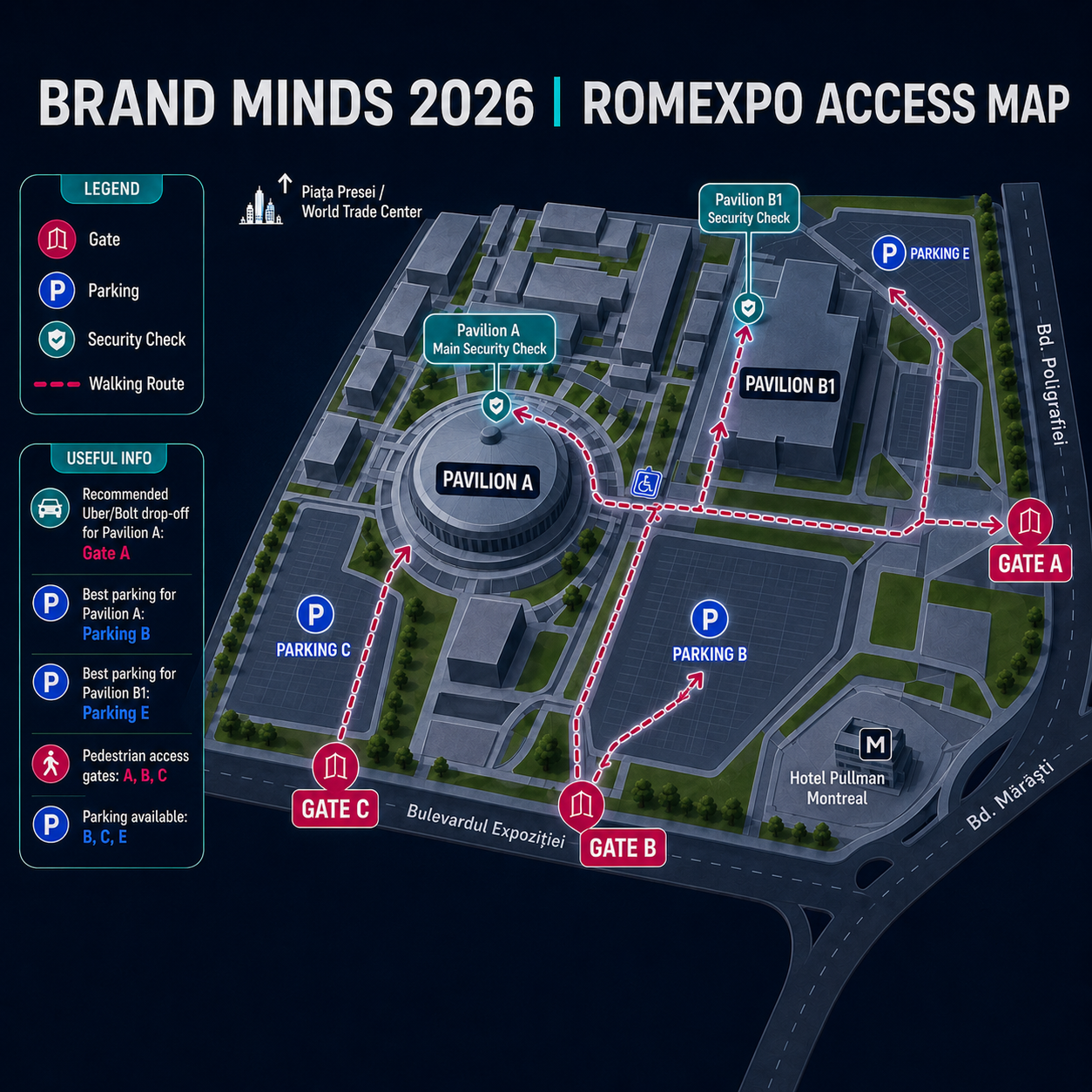
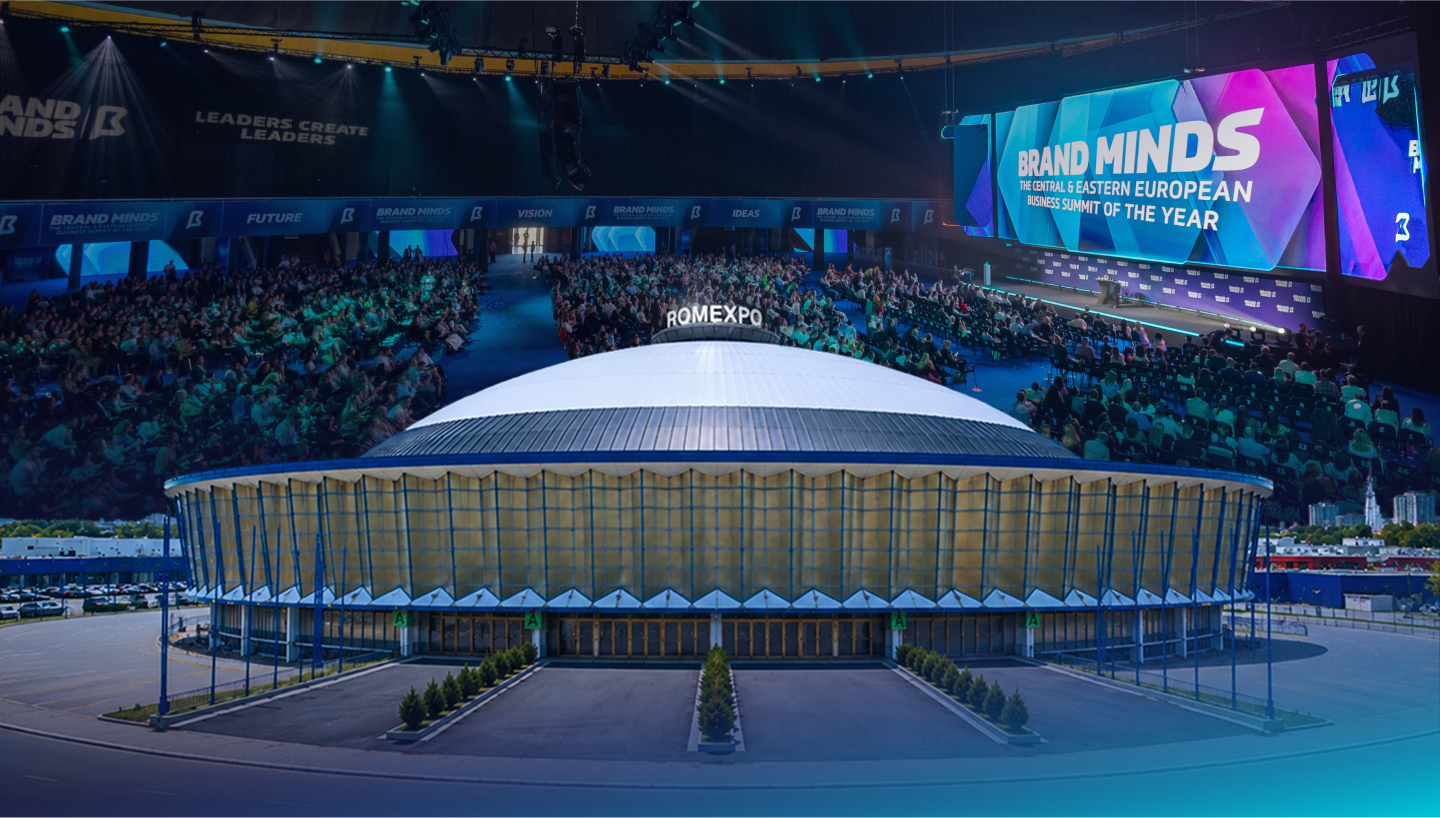
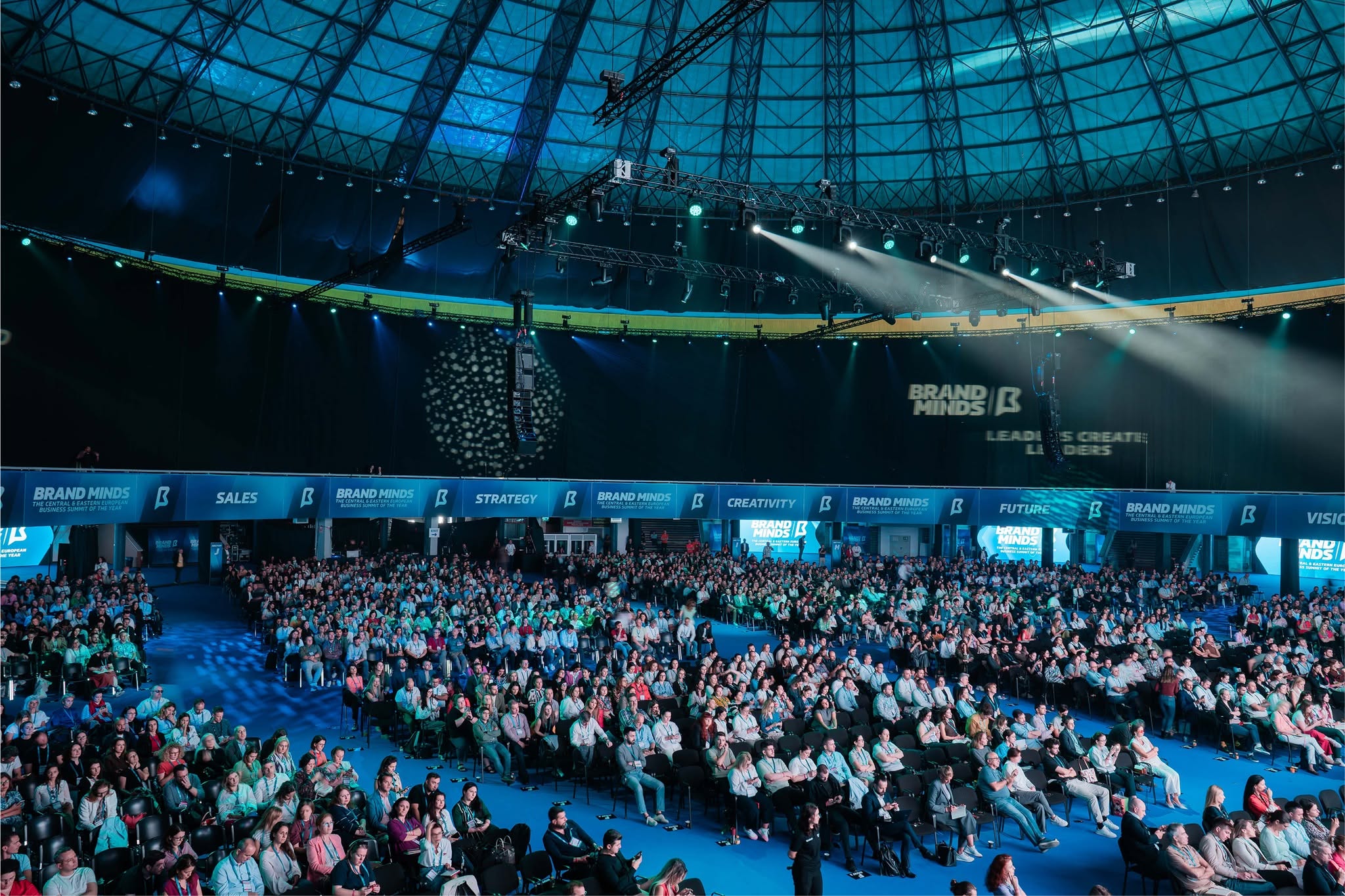
BRAND MINDS 2026 is held at ROMEXPO, Pavilion A, 65-67 Mărăști Blvd, Bucharest 1, Romania.
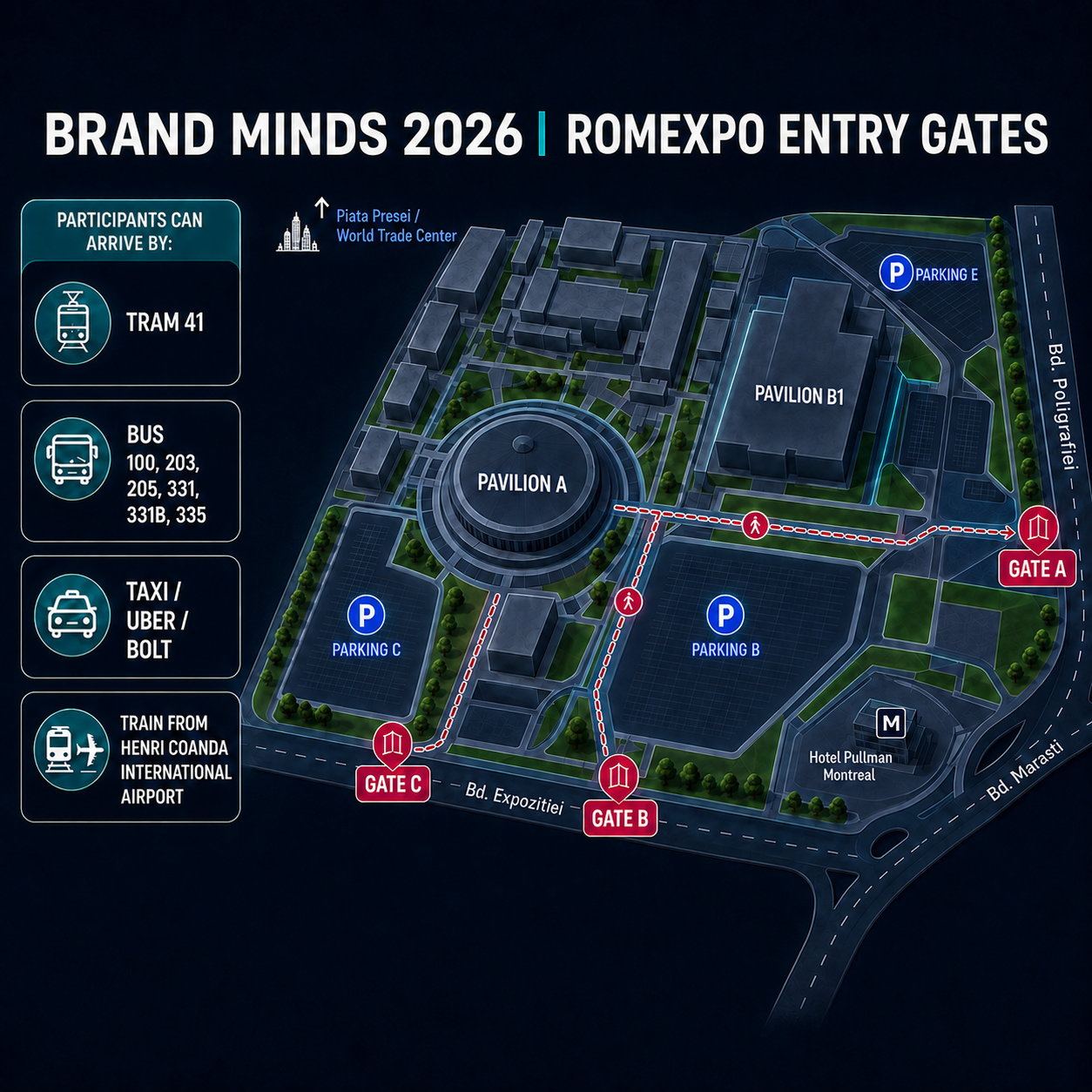
Pedestrian access: Gates A, B and C
Auto access: Parking B, C, and E
Registration for badge and wristband: Pavilion B1
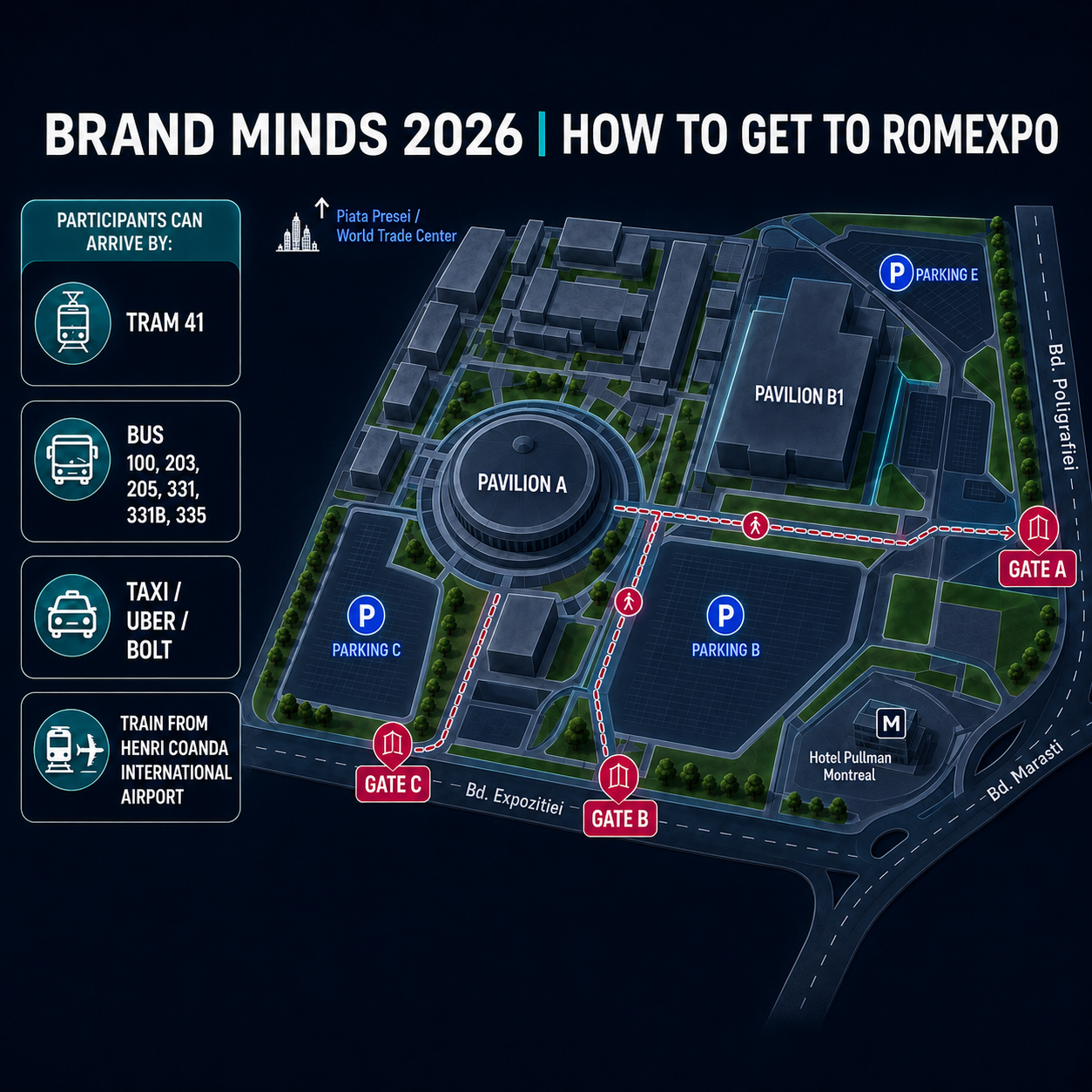
By car
ROMEXPO, Bd. Mărăști 65–67, Sector 1, Bucharest.
By public transport
Please check InfoTB or Google Maps on the morning of the event for live public transport updates.
Uber/Bolt drop-off
Gate A – World Trade Center
Gate B – Bd. Expozitiei 4
Gate C – Bd. Expozitiei 6

By bus
Henri Coandă Airport → Bus 100 → Piața Presei → walk / short connection to ROMEXPO
By train
Henri Coandă Airport → train → Gara de Nord,
From Gara de Nord:
Option A: Uber/Bolt/taxi directly to ROMEXPO
Option B: M4 toward Străulești → 1 Mai → continue to ROMEXPO
By taxi/Uber/Bolt
Henri Coandă Airport → ROMEXPO directly by taxi/Uber/Bolt
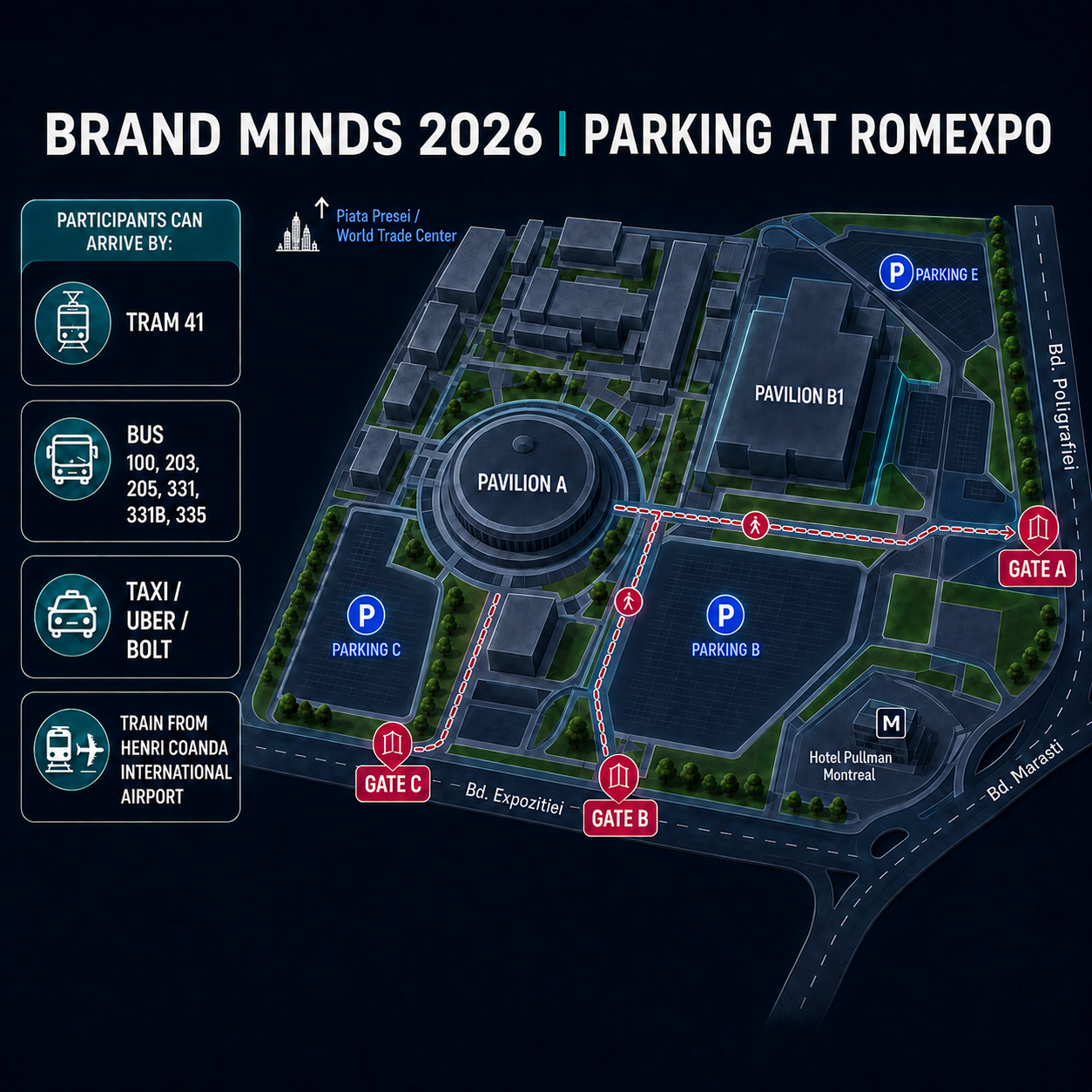
The parking lot at Romexpo has limited parking spots available for a fee.
We recommend taking other means of transportation: city bus, UBER, Bolt or Black Cab.
Also, take into consideration your arrival hour and the overall city traffic.
We recommend arriving at the venue at 8:30.
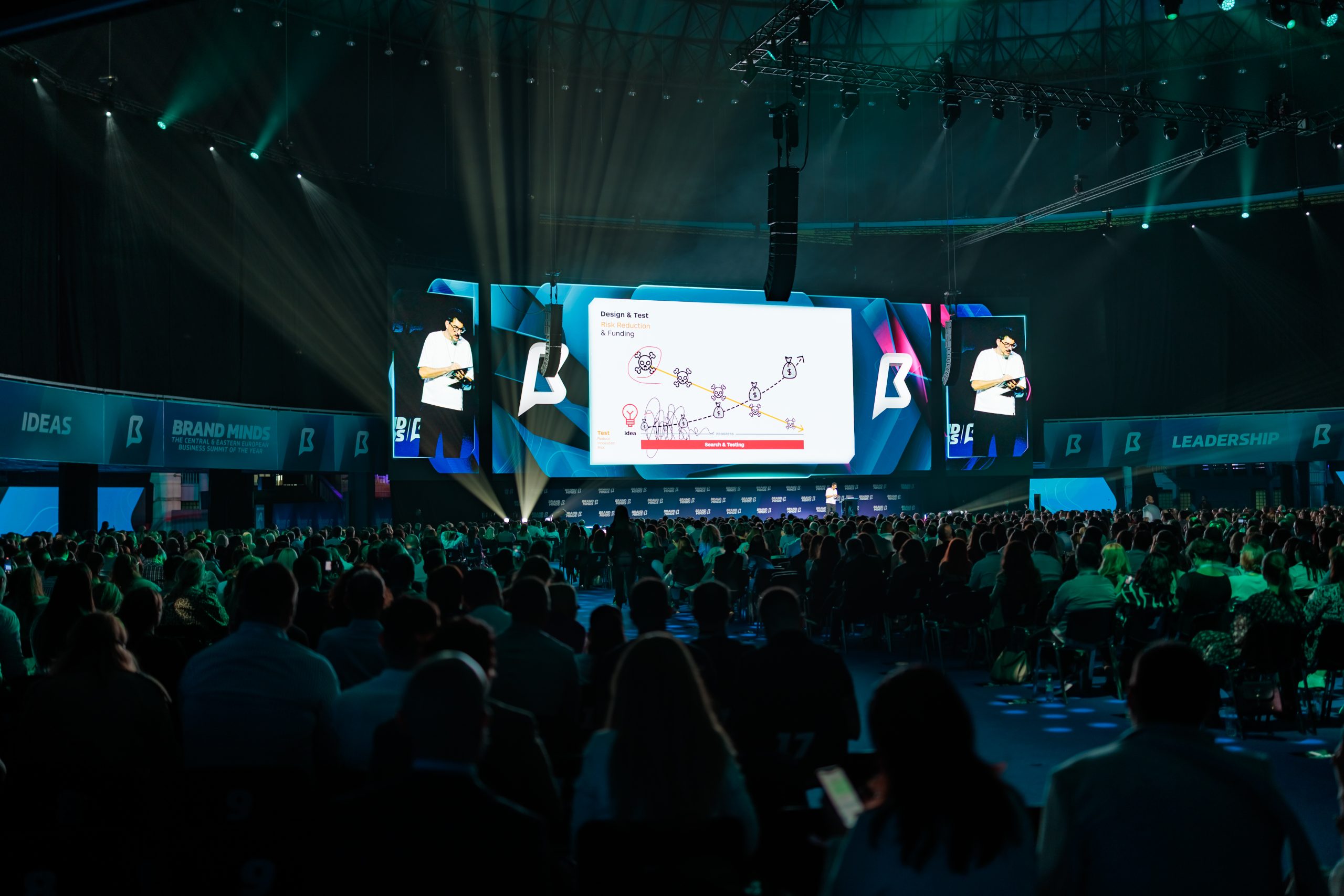
We open the venue door starting at 8:30.
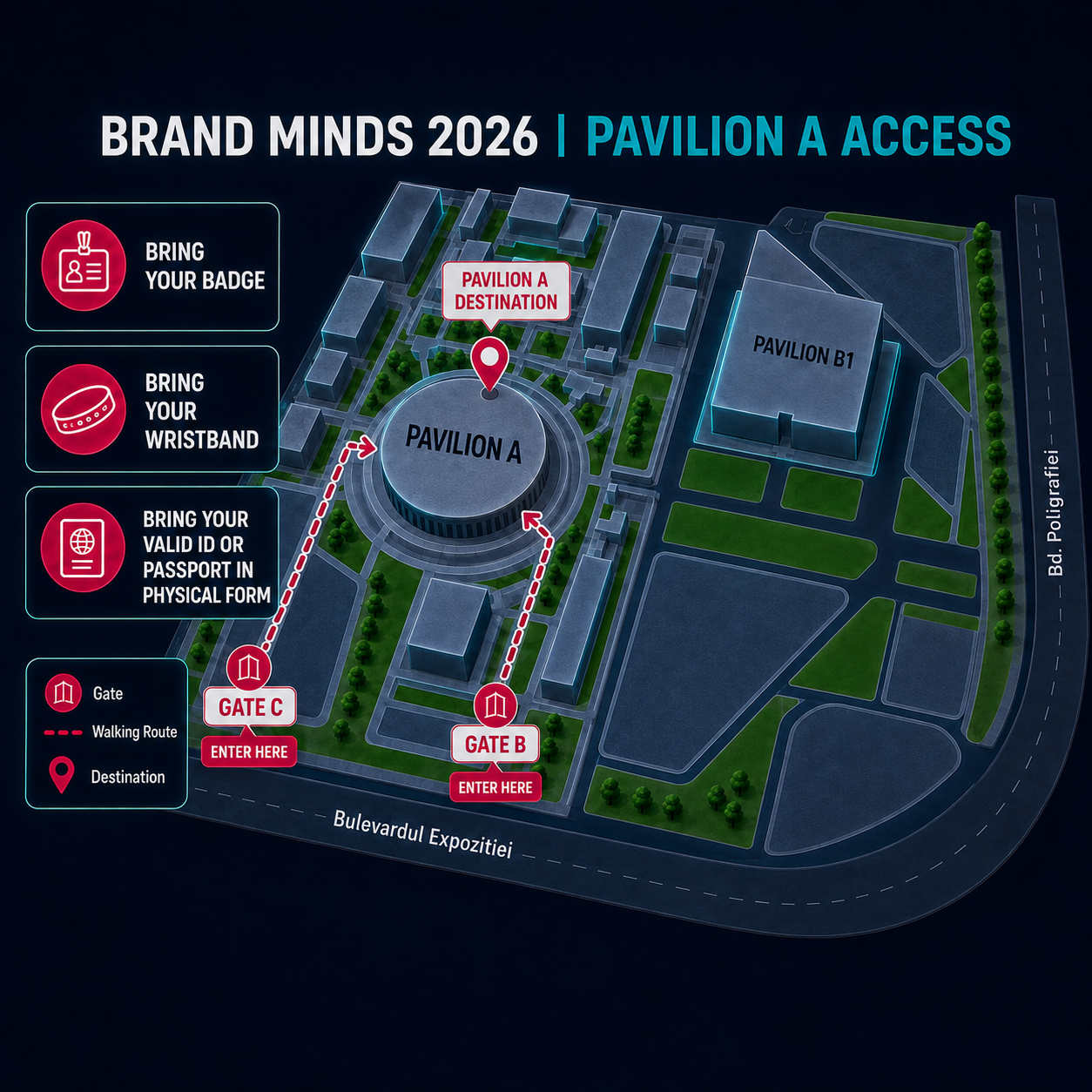
Participants are required to have the following with them to access the event at Pavilion A:
Please be advised: participants who do not present their original physical ID card or passport will not be issued a badge and wristband and will not be permitted entry to the event.
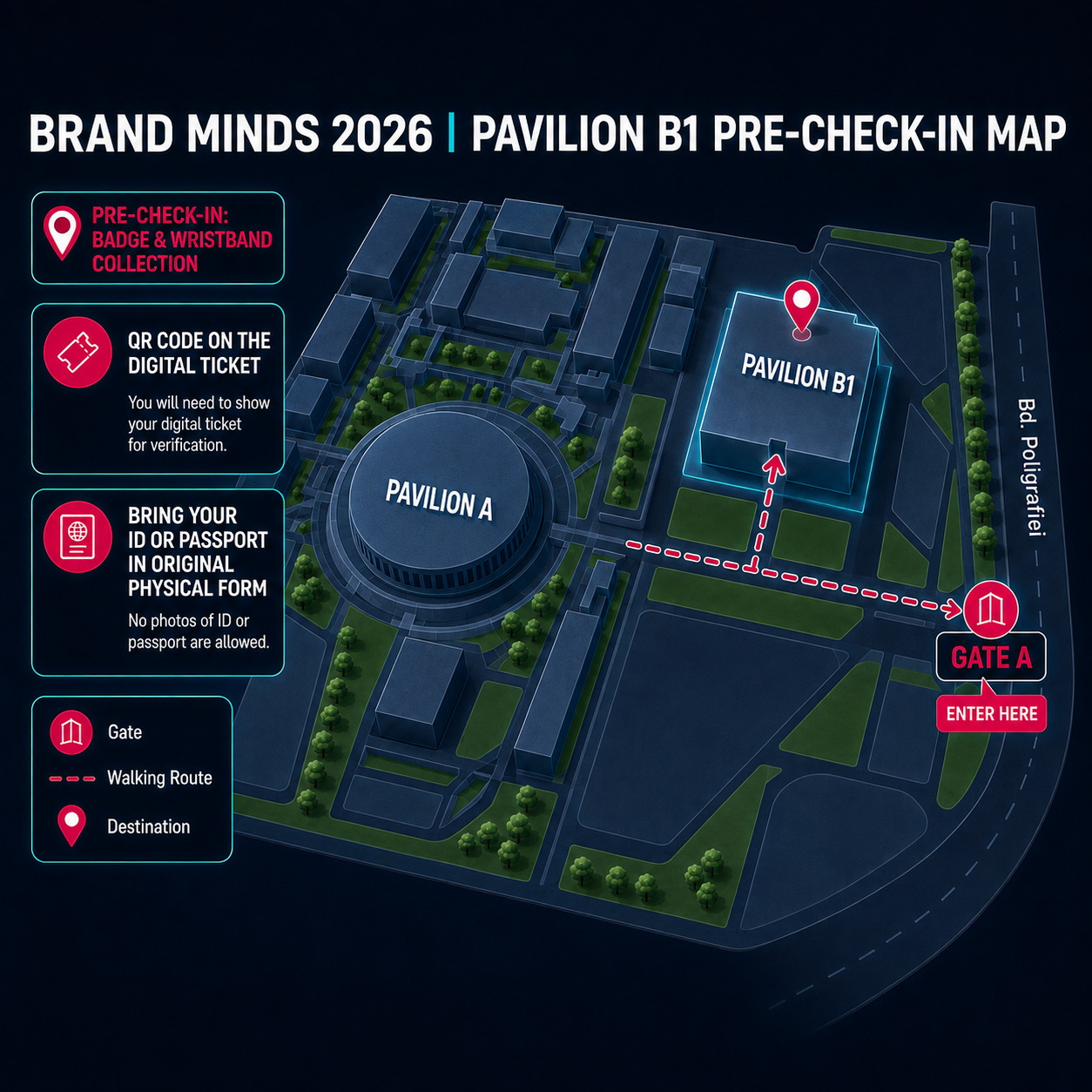
For badge & wristband collection, participants need to go to Pavilion B1 and present:
After collecting their badge & wristband, participants are invited to enter Pavilion A.
Please be advised: participants who do not present their original physical ID card or passport will not be issued a badge and wristband and will not be permitted entry to the event.
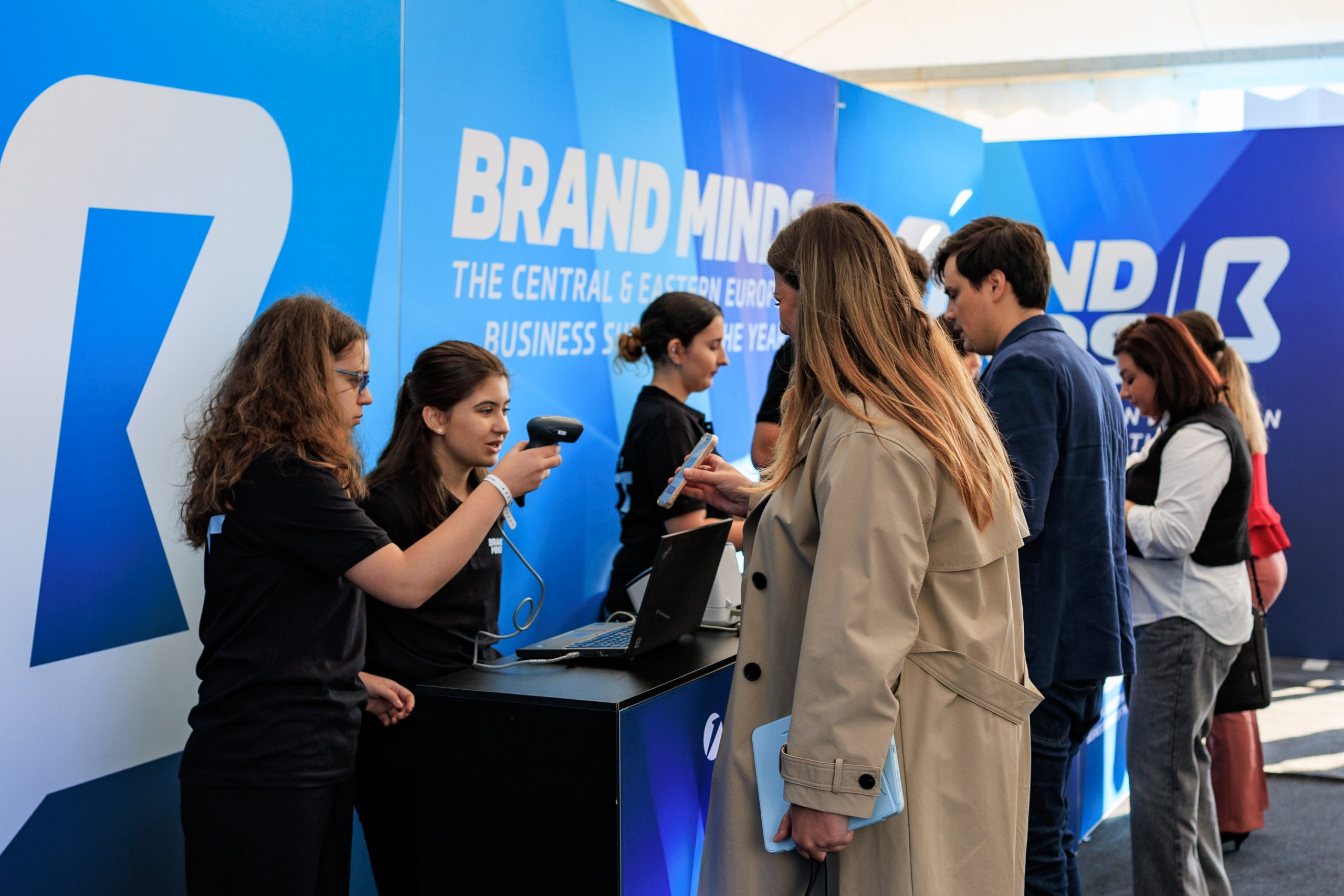
BRAND MINDS does not issue physical tickets — all tickets are digital and managed through your online account.
Please be advised: participants who do not present their original physical ID card or passport will not be issued a badge and wristband and will not be permitted entry to the event.
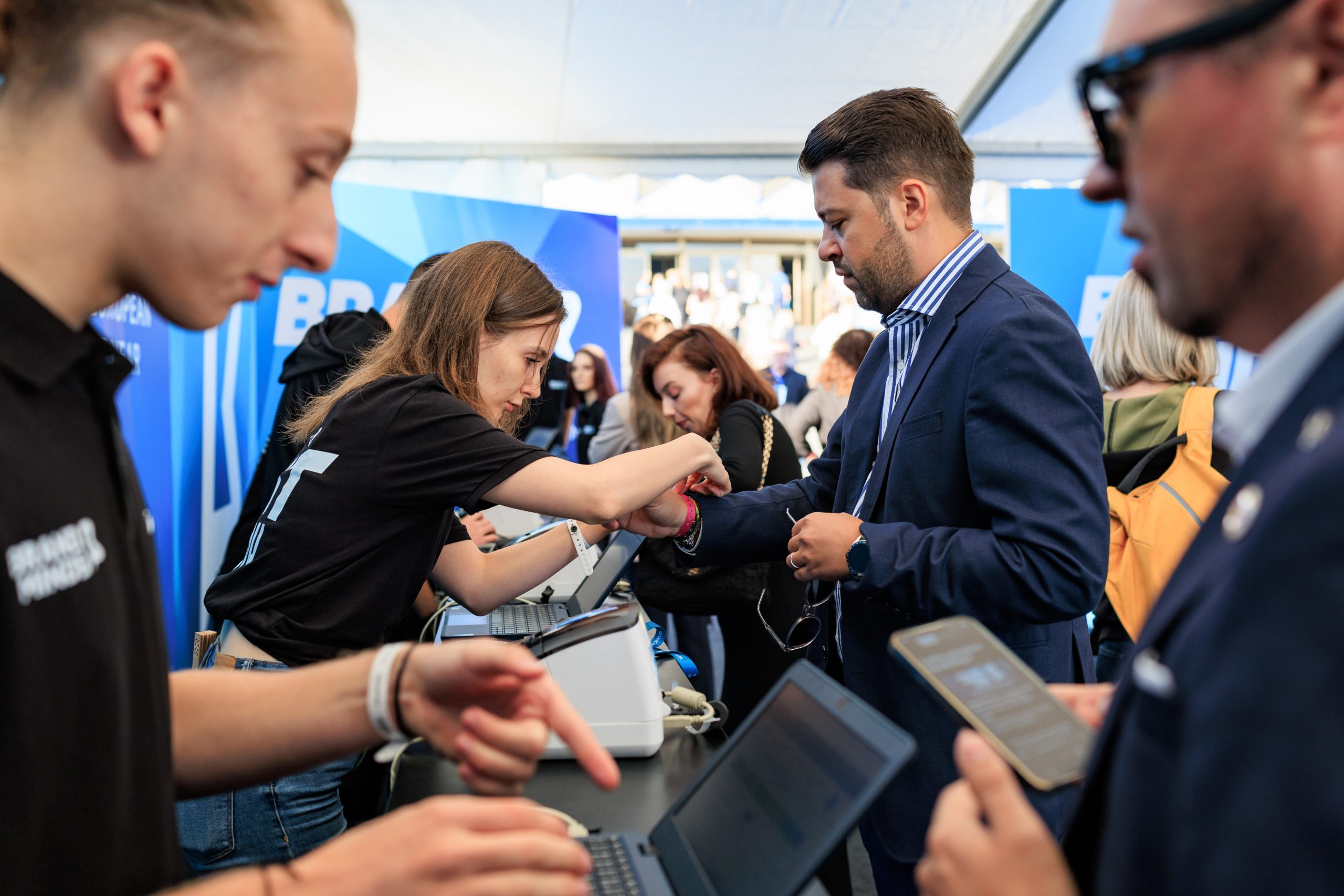
First of all, please make sure you have checked your email inbox and spam folder for your ticket. You will have received it by email from brandminds.com.
If you still can’t find it, ask one of our Customer Service representatives for assistance.
🎫 Lost Ticket Procedure at BRAND MINDS
BRAND MINDS does not issue physical tickets — all tickets are digital and managed through your online account.
✅ What To Do If You Lose Your Ticket
Log into your Brand Minds account (the one you used to purchase the ticket):
If you cannot access your account (e.g., forgot password or email):
→ Use the “Forgot Password” function to reset your credentials
→ Or contact support team at support@brandminds.com or via the website contact form
On event day:
If for any reason you’re unable to retrieve the ticket digitally, go to the Help Desk at the venue with a valid physical ID matching the name on the ticket. Our team will look you up in the system and assist you with entry. We don’t accept photo of ID.
⚠️ Important Notes
Do not share screenshots or email copies of your ticket with others — access is restricted to the person whose name is on the ticket (enforced at check-in).
Lost tickets will not be reissued via email unless you are the verified buyer or listed participant.
No ticket? No entry. So reclaiming your digital access is essential before event day.
Log into your Brand Minds account (the one you used to purchase the ticket):
If you cannot access your account (e.g., forgot password or email):
On event day:
If for any reason you’re unable to retrieve the ticket digitally, go to Registration in Pavilion B1 with a valid physical form ID matching the name on the ticket. Our team will look you up in the system and assist you with entry.
Please be advised: participants who do not present their original physical ID card or passport will not be issued a badge and wristband and will not be permitted entry to the event.
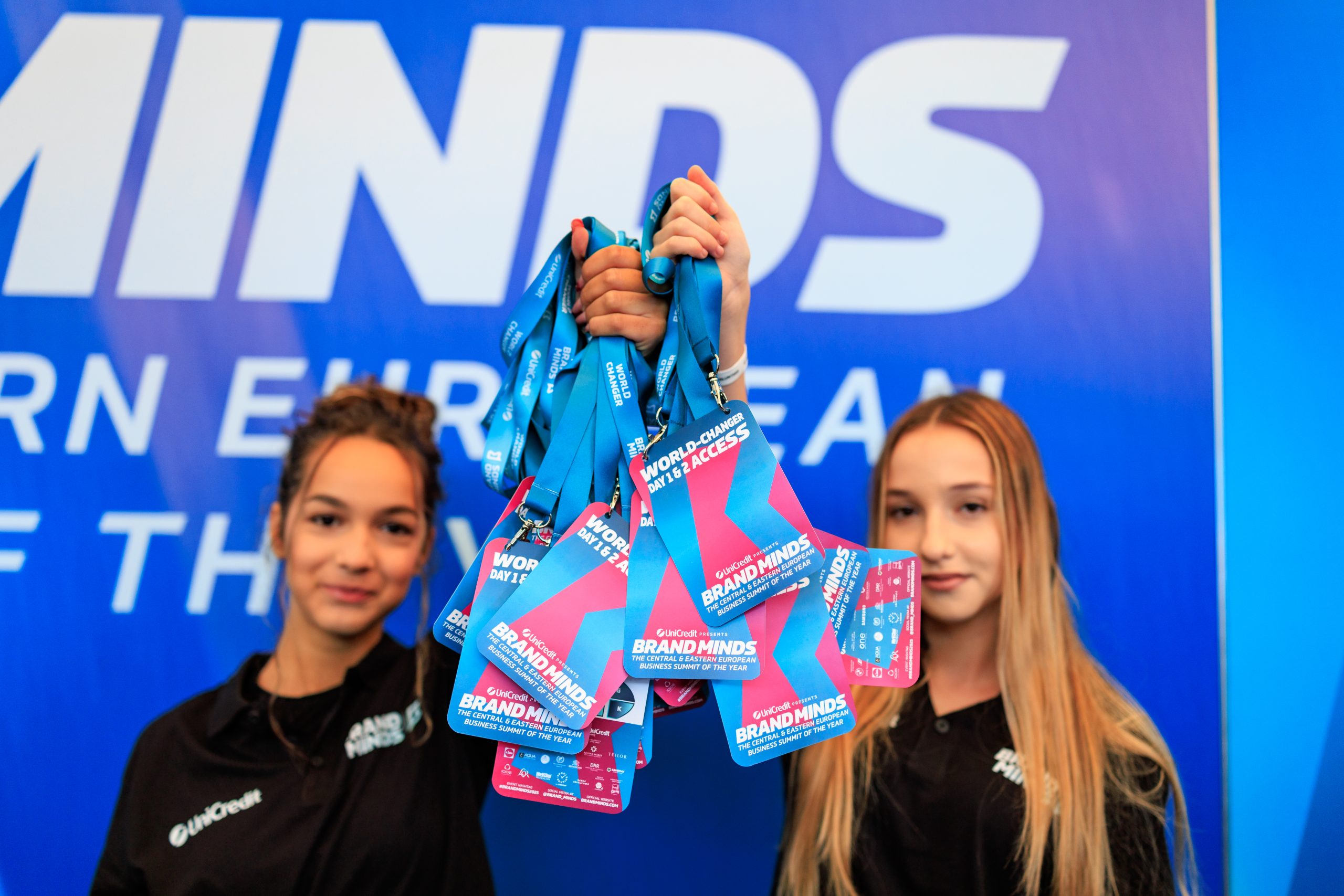
Pick them up before the conference and enter the venue directly, without waiting in line.
If your company purchased multiple tickets, assign them to your colleagues from your account.
Each participant will receive their ticket by email and create their own account.
Each participant must log in to their own account and complete the check-in themselves. It takes just one minute.
Check-in cannot be completed by someone else. Without check-in, we cannot issue your badge and wristband.
Collect it from one of the Pre-check-in locations below. The badge and wristband must be collected together.
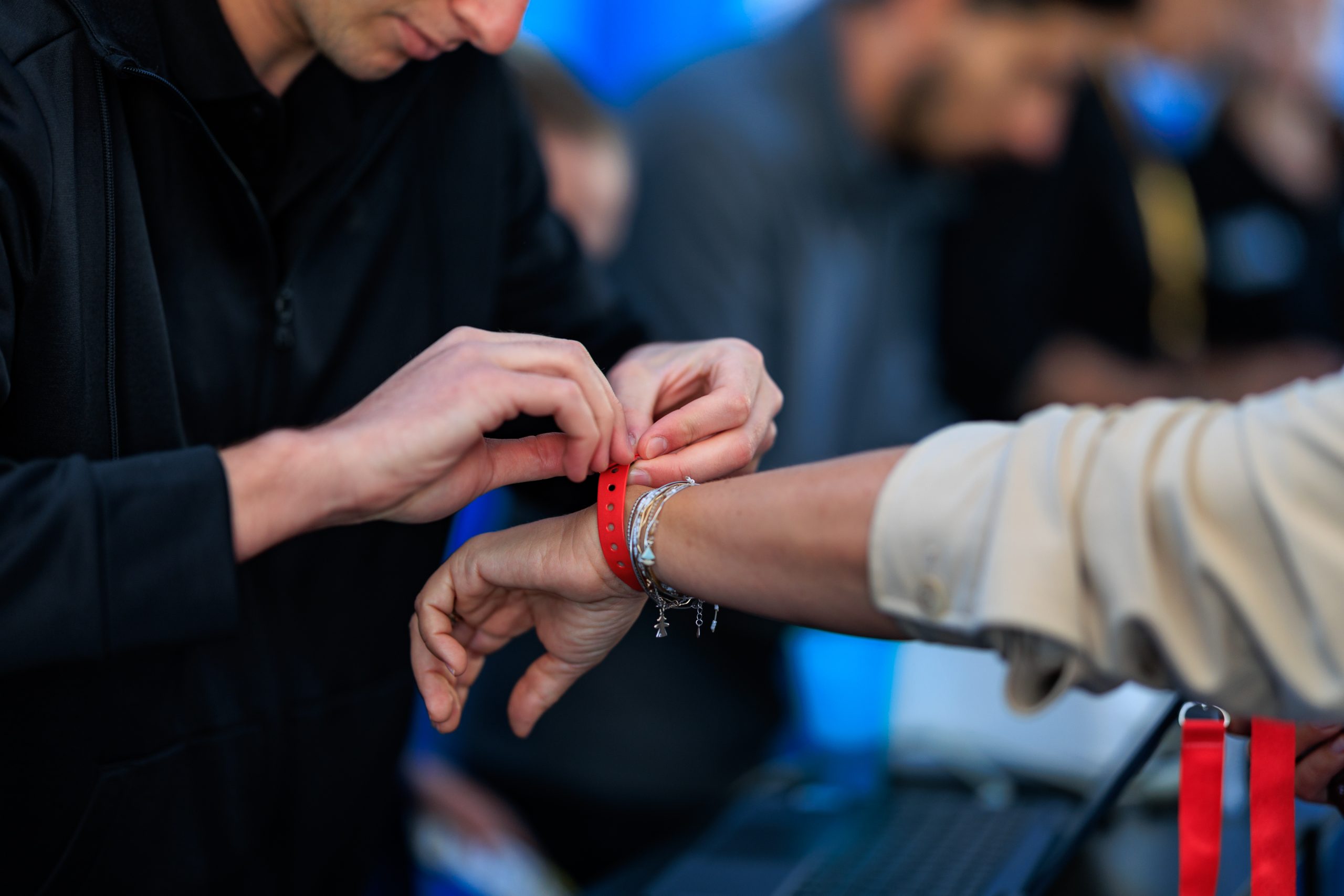
Please keep your badge and wristband with you at all times.
If lost, they cannot be reissued and access to the event will no longer be permitted.
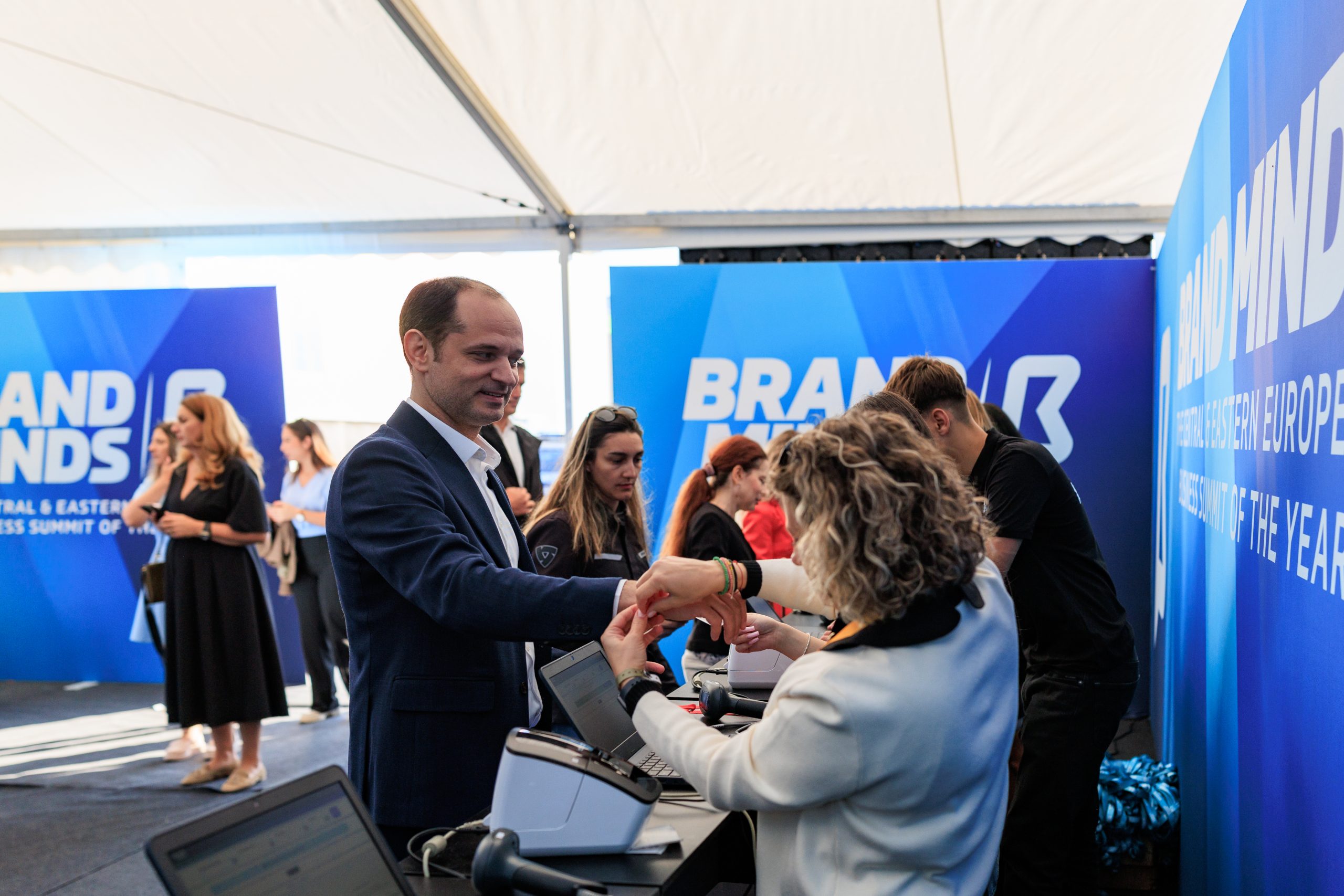
Promenada Mall Bucharest
Calea Floreasca 246B, 1st floor, next to the H&M store
Monday, September 14: 11:00 AM – 9:00 PM
Tuesday, September 15: 11:00 AM – 9:00 PM
Pavilion B1, Romexpo Bucharest
Bd. Marasti 65–67
Tuesday, September 15: 10:00 AM – 9:00 PM
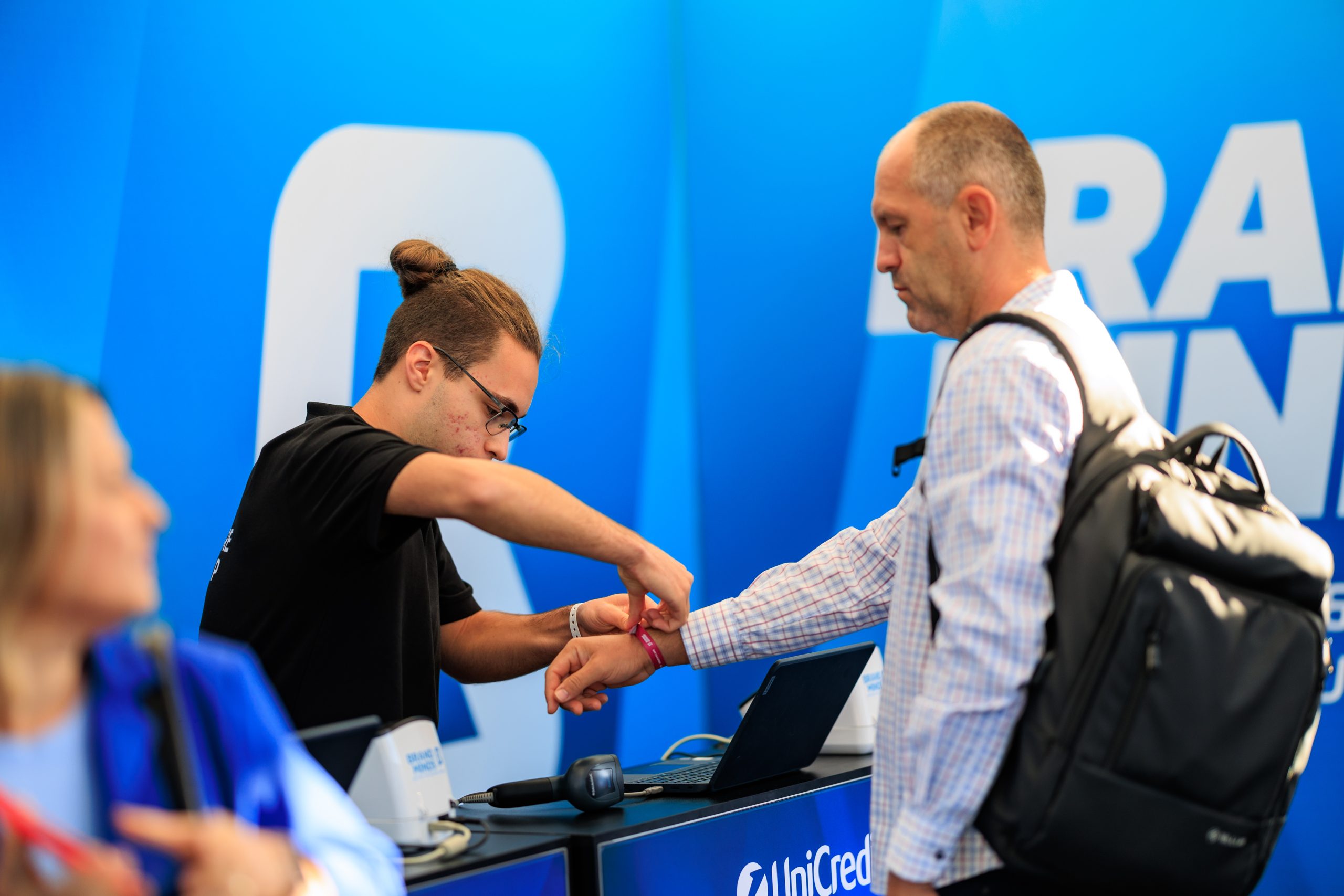
Bring:
If one colleague collects the badges for the whole team, the company also needs as follows:
We have prepared easy to complete and sign Authorization Letter Form and Handover Report which you can request from our colleagues Adriana and Cătălina by mail, at adriana@brandminds.com and catalina@brandminds.com
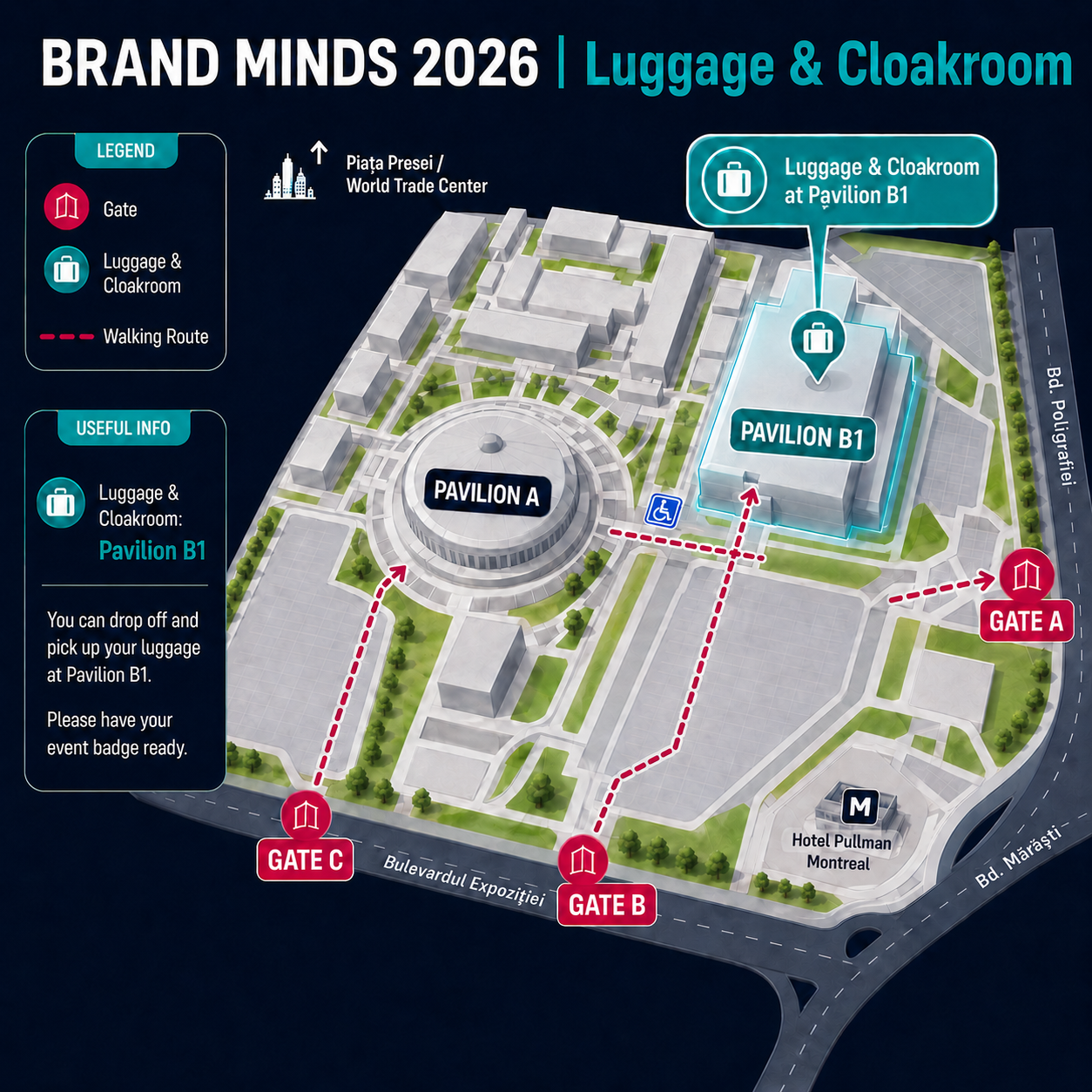
You can leave your luggage, backpack/troller and coat to the venue’s luggage check point and cloakroom at Romexpo, Pavilion B1.
No backpacks and anything larger than a backpack is allowed inside the venue due to security reasons. We kindly ask all attendees to not leave their bags unattended.
The venue is air-conditioned so please make sure you have a coat/sweater with you, because the temperature in the conference room may vary.
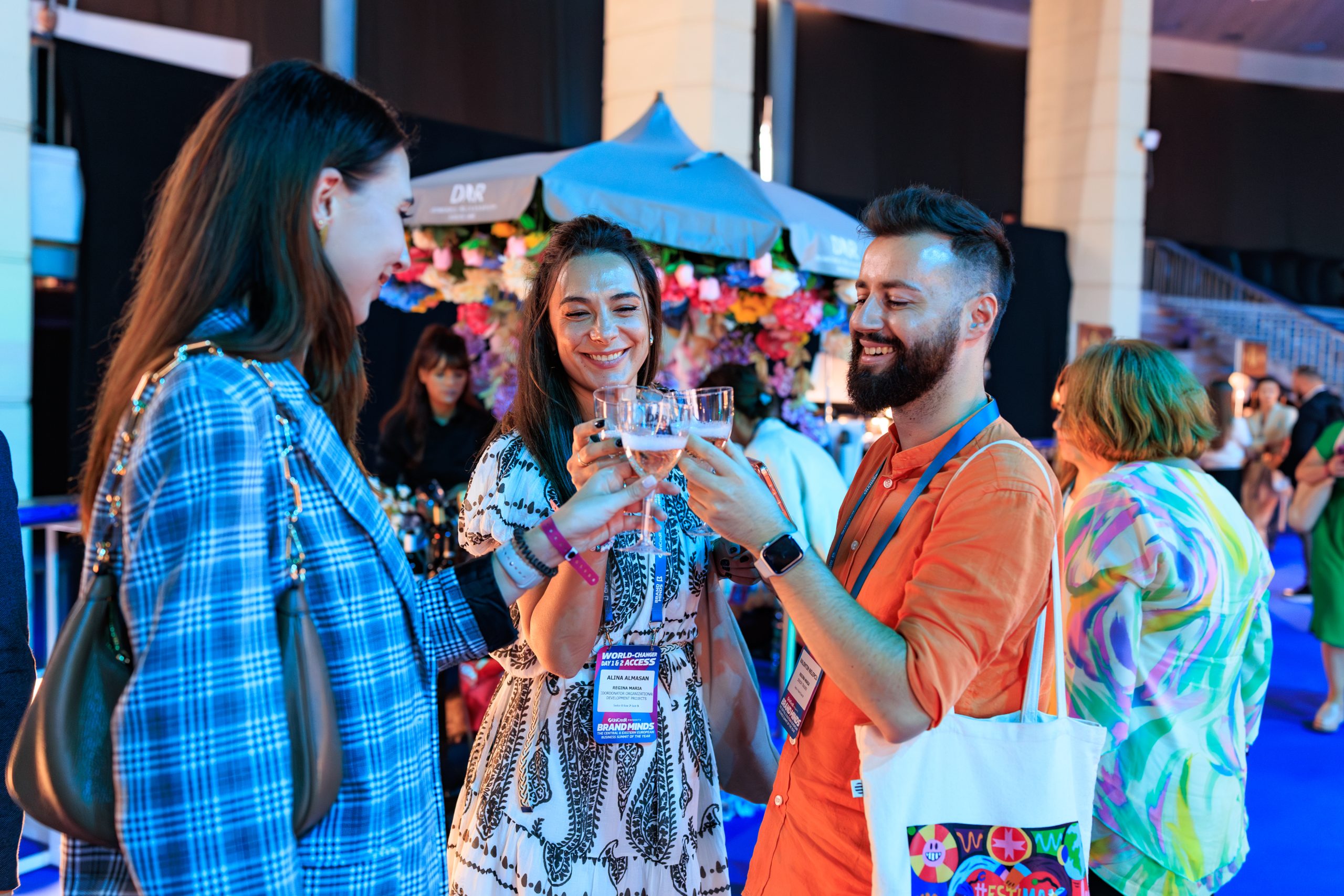
Please keep in mind that, at the venue, the only drinks and food allowed are the ones provided by event partners. In case you bring food or drinks from the outside with you, you are required to leave it at the security check.
The food court is in the Central Pavilion of Romexpo. If you have difficulties in finding it, ask one of the BRAND MINDS Volunteers for help.
Lunch is served to all participants by Fratelli Catering, the event’s Hospitality Partner.
Alcoholic and non-alcoholic beverages are available throughout the event. Please keep in mind that the food might contain allergens. We expect all attendees to be responsible with the food they eat, especially if they are aware of specific allergies they might have.
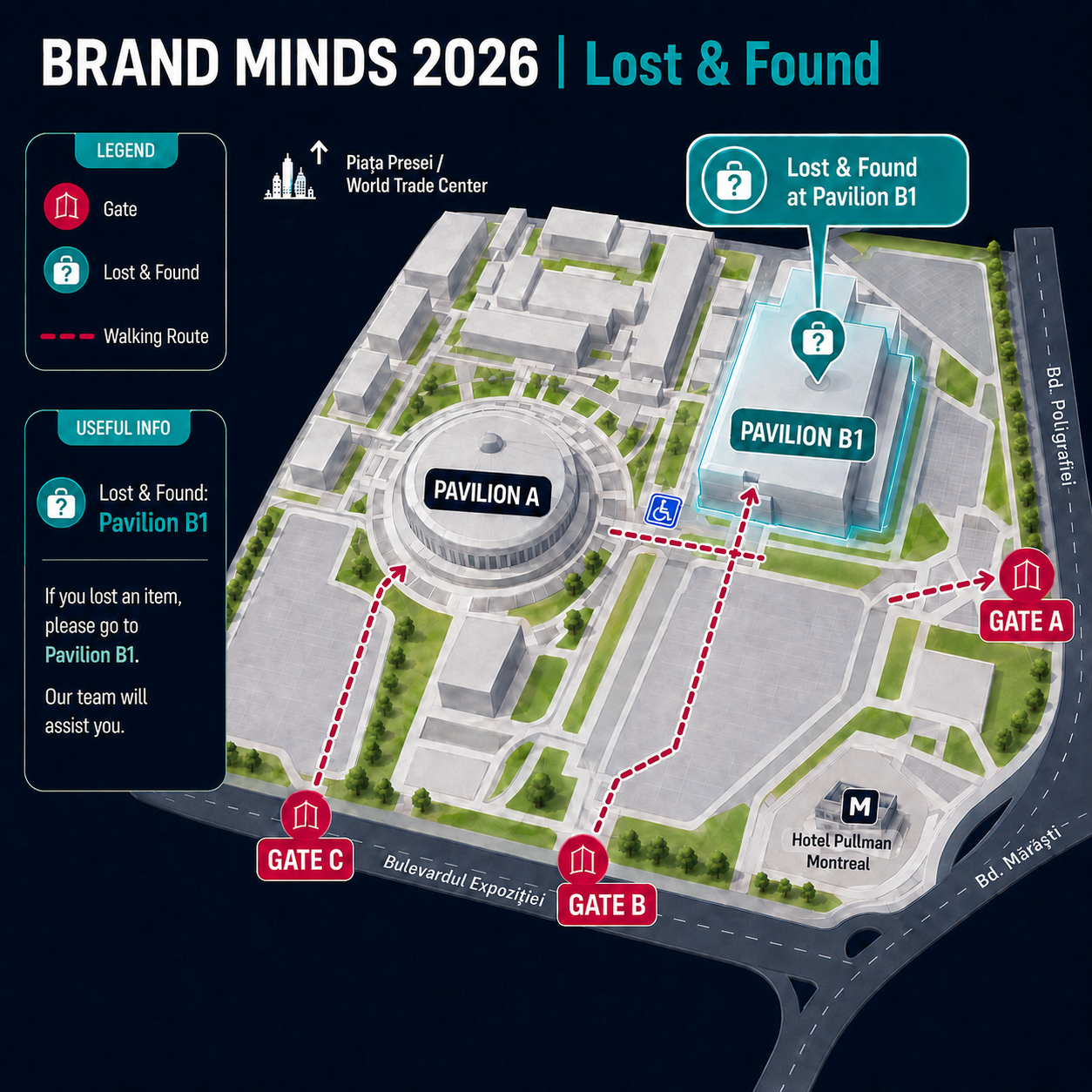
Lost an item during the event?
Please go to the Lost & Found point in Pavilion B1, where our team will assist you.
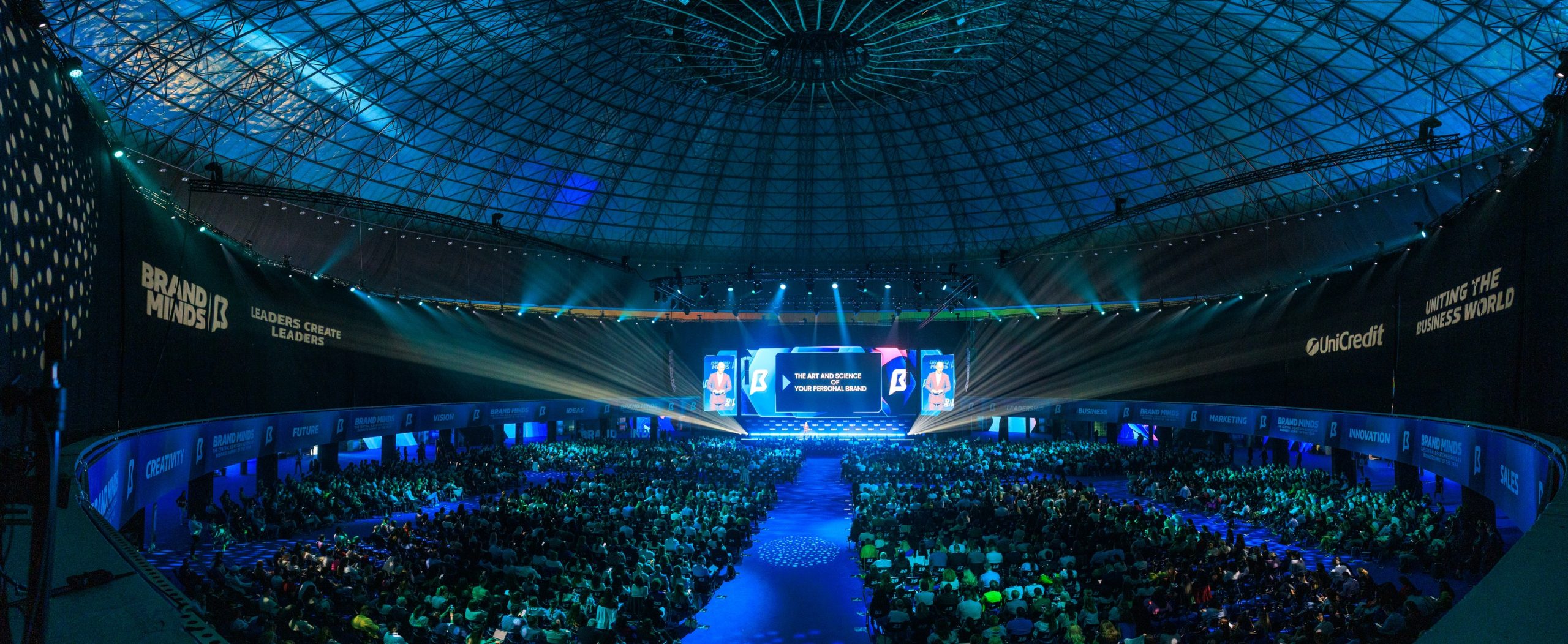
BRAND MINDS Day 1
8:30 Event registration
11:45 Lunch & Special book signing
14:45 Coffee Break & Special book signing
BRAND MINDS DAY 2 The Ultimate Business Strategy Masterclass with Costas Markides
08:00 Event registration
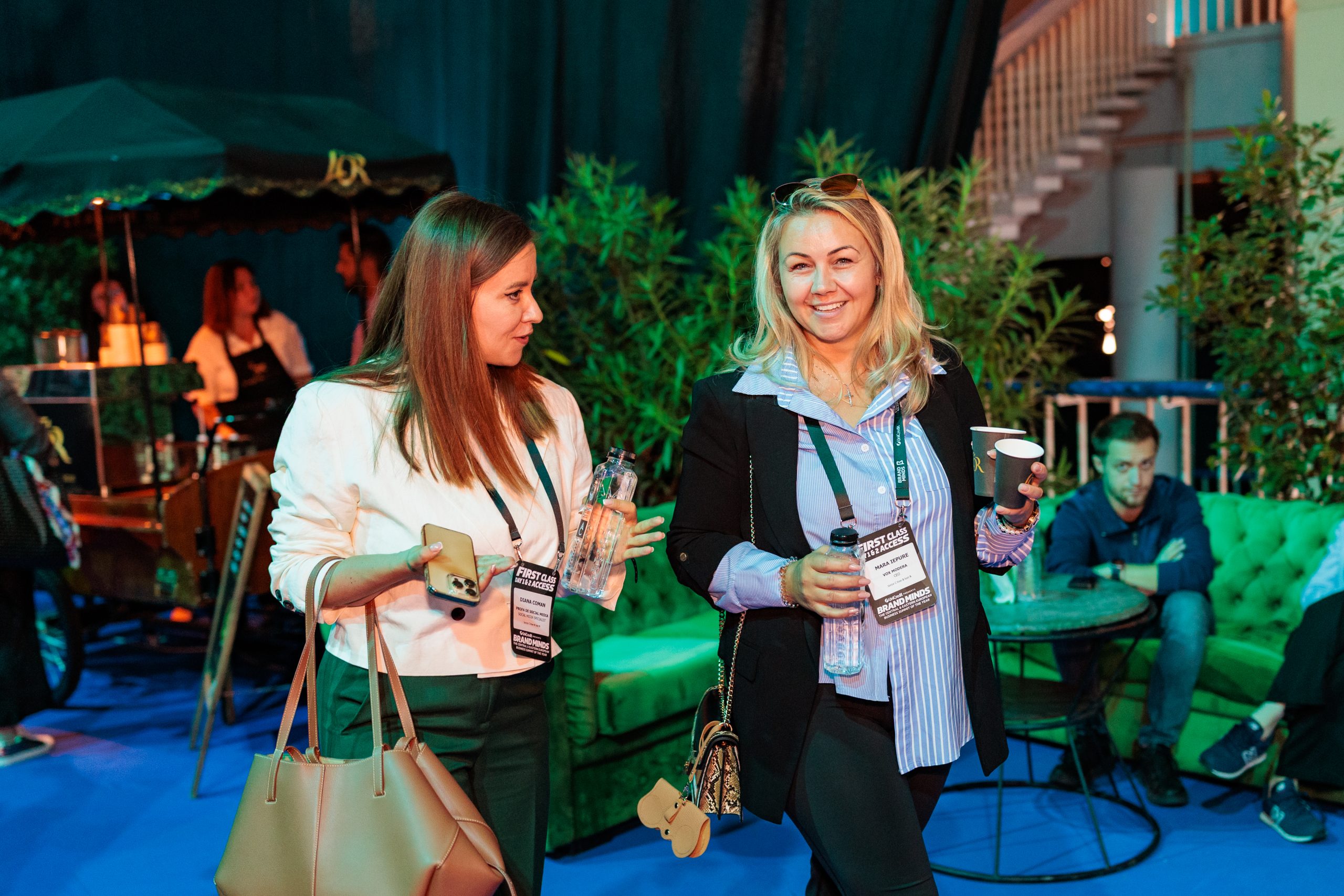
Coffee is available throughout the event, both on Day 1 and Day 2 courtesy of L’Or, the event’s Coffee Partner.
Water is available throughout the event, on both days, courtesy of Aqua Carpatica.

All attendees are required to comply with a business casual dress code.
Please make sure you have a coat/sweater with you, because the temperature in the conference room may vary.
Phone charging is available at Mr. Charge’s stand, our event partner.
Free Wi-Fi is provided by ROMEXPO.
Please note that with up to 5,000 participants connecting at the same time, the network may experience slower speeds or temporary latency during peak moments.
The event venue has indoor elevators to provide people with disabilities with access to the venue.
Volunteers are there to help you with all the support you need.
Translation into Romanian will be provided to participants upon request, at Pavilion B1.
Medical assistance will be available on-site throughout the event for any medical emergencies or situations requiring immediate support.
Congratulations for encouraging your child to develop an interest in personal growth and the future of business!
Minors attending the event must be 16 year old and accompanied by an adult with a valid ticket to the event.
You need to have your QR code scanned to enter the venue. The QR code is on the digital ticket emailed by our team. Please check your email.
BRAND MINDS tickets are digital only. ⚠️ You must have the QR code available to gain entry—there are no physical tickets issued.
✅ Steps to Recover Access:
Check your inbox and spam folders for the email with your ticket—usually sent from brandminds.com or entertix.ro.
Log into your Brand Minds account:
Unable to access your account?